
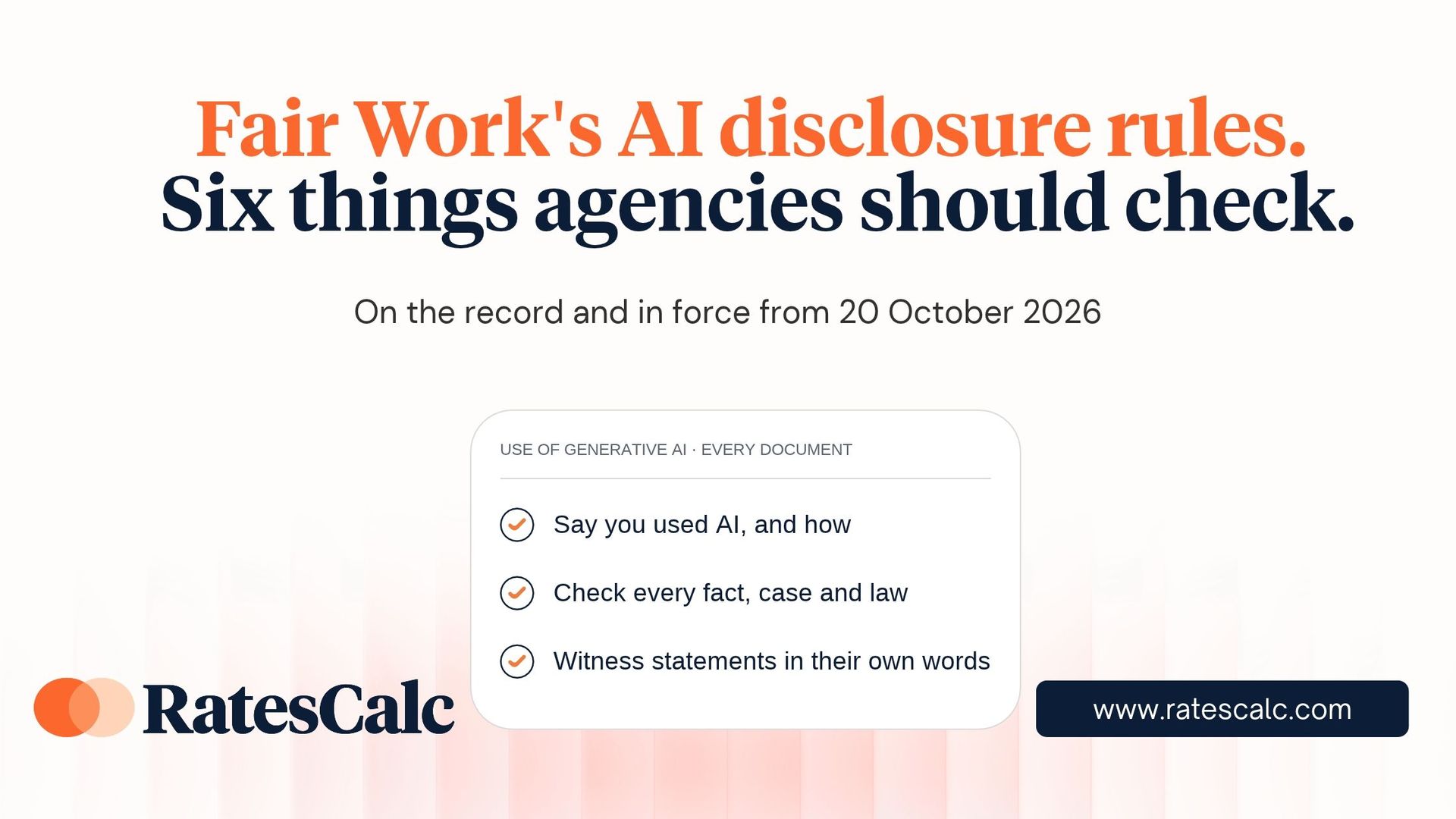
Since 20 October 2026, anyone who uses generative AI to prepare a document for a Fair Work Commission case has to say so.
That includes the worker lodging an unfair dismissal claim. It also includes your own team, if someone used ChatGPT or Copilot or Claude to draft a response.
The Commission published its Guidance Note:Use of generative artificial intelligence in Commission cases, on 24 August.
It now applies in all Commission matters. For recruitment agencies and labour hire operators, who carry the employer’s obligations for every worker they place, it changes how claims arrive and how you answer them.
Why the Commission acted
The Commission’s workload has grown by more than 70% in three years and the President has said the labour market doesn’t explain it. Commission Members saw signs of AI use in 50 to 75% of the cases they handled in the six months to March 2026. Research commissioned by the Commission found around 40% of surveyed applicants used AI on their case. It appears some of that use has gone badly: submissions citing cases that don’t exist and claims from people who were never eligible to make them.
What the Commission didn’t do is just as telling. It hasn’t banned AI or treated it as a red flag. It accepts AI can help people prepare a case, especially people without a lawyer. What it has done is set clear rules about who is responsible for the result.
One particular recent case shows how this plays out
Five days before the final guidance was published, the Commission decided Sadnan Khan v Aldi Pty Ltd [2026] FWC 3144. It shows what goes wrong when nobody checks the AI’s output. A store assistant was told he was dismissed at about 4pm on 26 March 2026, three days short of six months’ employment. He lodged an unfair dismissal claim at 10:02pm that night. The application still contained the chatbot’s drafting notes, including the text “Here is your final clean copy-paste version”.
Under the Fair Work Act, the minimum employment period ends when a worker is given notice of the dismissal, not when the employment ends. Every AI-generated submission he filed argued about the wrong date. Commission staff flagged the problem two days after he lodged. The Deputy President then wrote to him twice in plain English, warning that he was unlikely to win and could face a costs order.
He kept going. At the hearing he conceded he wasn’t eligible and discontinued. The Commission ordered him to pay $1,230 of ALDI’s costs. The decision is under appeal.
Four details matter for employers:
- Using AI wasn’t the problem. The Deputy President said using AI to draft submissions “is not, of itself, unreasonable”. The costs order was for carrying on after clear warnings. Checking the output was the applicant’s responsibility.
- The employer’s first submissions missed it too. ALDI’s first written submissions also argued about the wrong date. Its reply, filed after the Deputy President raised the issue, was the first to refer to the date of notice. When a claim arrives, check eligibility against the Act before you argue the facts.
- Record when the worker was told. The case turned on the moment of notice. ALDI’s store manager could say he told the worker at about 4pm, and that the termination form was emailed at 8:46am the next day. In labour hire, where assignments often end with a phone call, write down who told the worker, when, and how.
- Winning costs doesn’t make you whole. Costs are capped at rates set in the Fair Work Regulations. The decision notes ALDI’s actual legal fees were “significantly more” than $1,230. Stopping a weak claim before a hearing is worth far more than recovering part of the cost afterwards.
The three requirements
If you use generative AI to prepare an application, response, submission, witness statement or any other document in a Commission case, you must:
- Disclose it. Say in the document that you used AI and how you used it, for example to research the law, organise facts into a timeline, or draft and edit the text.
- Check it. Make sure every fact, case and law in the document is real, accurate and relevant, and state in the document that you’ve done those checks.
- Keep witness evidence genuine. A witness statement or declaration must be based on the witness’s own knowledge, reflect their own words, and be true to the best of their knowledge.
Commission forms now include a section for this.
For any document that doesn’t, add a note at the start.
The guidance also covers what goes into the AI tool. Personal, confidential or legally privileged information shouldn’t be entered into public AI services, because providers may keep what you upload. The good news: disclosing AI use won’t, on its own, count against your document if you’ve followed the guidance.
Ignoring it is another matter. Documents can be given less weight or disregarded, costs can be ordered, and cases can be dismissed.
Four places agencies will feel this
Labour hire and recruitment businesses are more exposed than most.
You employ large on-hired workforces, often casual, across many client sites, with steady turnover. When an assignment ends badly, the claim usually lands with you, not the host business.
1. Claims against you will now show their workings. Read the AI disclosure on every application you receive. If AI was used, check that each case and law it cites actually exists and says what the applicant claims. The obligation to verify sits with them. If they haven’t met it, you should raise it.
2. Your own responses are covered too. The rules apply to every party, not just applicants. If your HR or operations team used Copilot to draft a response, it has to be disclosed and checked. Add a sign-off step so a named person reviews every AI-assisted document before it’s lodged.
3. Witness statements need real witnesses. It’s common for someone in the office to draft a statement for a site supervisor or branch manager to sign. If AI did the drafting, the statement still has to be in the witness’s own words and based on what they actually know. A polished draft the supervisor didn’t really write is exactly what gets tested in a hearing.
4. Watch what goes into the tool. You hold a lot of worker information: pay records, rosters, incident reports, medical certificates. Pasting a worker’s file into a public chatbot to “summarise the timeline” is what the Commission is warning against. If material is covered by a non-publication order, uploading it could breach the order.
The bigger lesson: you own the number
The most important idea in the guidance isn’t really about AI.
It’s that responsibility for a document stays with the person who lodges it, however it was produced. “The AI wrote it” is not a defence.
That principle is already familiar to anyone who manages pay. If a worker is paid the wrong rate, it doesn’t matter whether the error came from a spreadsheet, a payroll setting nobody has reviewed in years, or a quick answer from a chatbot. The employer owns the rate.
When a dispute happens, what carries weight is what you can show an proove: the award, the classification, the rate, and when it changed. That’s the same standard the Commission now applies to documents. Real sources, checked by a person, with a record.
RatesCalc is built for that standard. Award rates are updated as Fair Work decisions take effect, client quotes are built on current rates, and every rate decision is recorded in a timestamped audit trail. When someone asks where a number came from, you can show them. Using RatesCalc shows clearly your diligence and commitment to ensuring your pay rates are accurate processes aligned.
Your checklist when dealing with the commission or cases
- Brief HR, payroll and operations: the three requirements apply from 20 October 2026
- Add a sign-off step for every AI-assisted document lodged with the Commission
- Review open matters for any documents lodged on or after 20 October
- Set a rule on which AI tools staff can use and what information can never go into them
- Review how witness statements from supervisors and managers are prepared
- Confirm you can show the award, classification and rate history for any worker in a dispute
This article is general information only and isn’t legal advice. For advice on a specific matter, speak to an employment lawyer.
Sources:
Fair Work Commission, Using AI to help you with your case and Guidance note: Use of generative artificial intelligence in Commission cases.
See how RatesCalc keeps a record of every rate.
Book in a look at our platform and see how it can protect you and your organisation.
Click the button below and let’s get started!
